
conda-workspaces#
Multi-environment workspaces and task runner for conda, with pixi manifest compatibility.
Define environments, features, dependencies, and tasks in a single manifest.
conda-workspaces reads conda.toml, pixi.toml, or pyproject.toml and
delegates solving and installation to conda.
Install#
conda install -n base conda-forge::conda-workspaces
pixi global install conda-workspaces
Both methods provide the cw and ct shortcut commands. Installing into
conda’s base environment also registers the conda workspace and
conda task plugin subcommands.
Define a workspace#
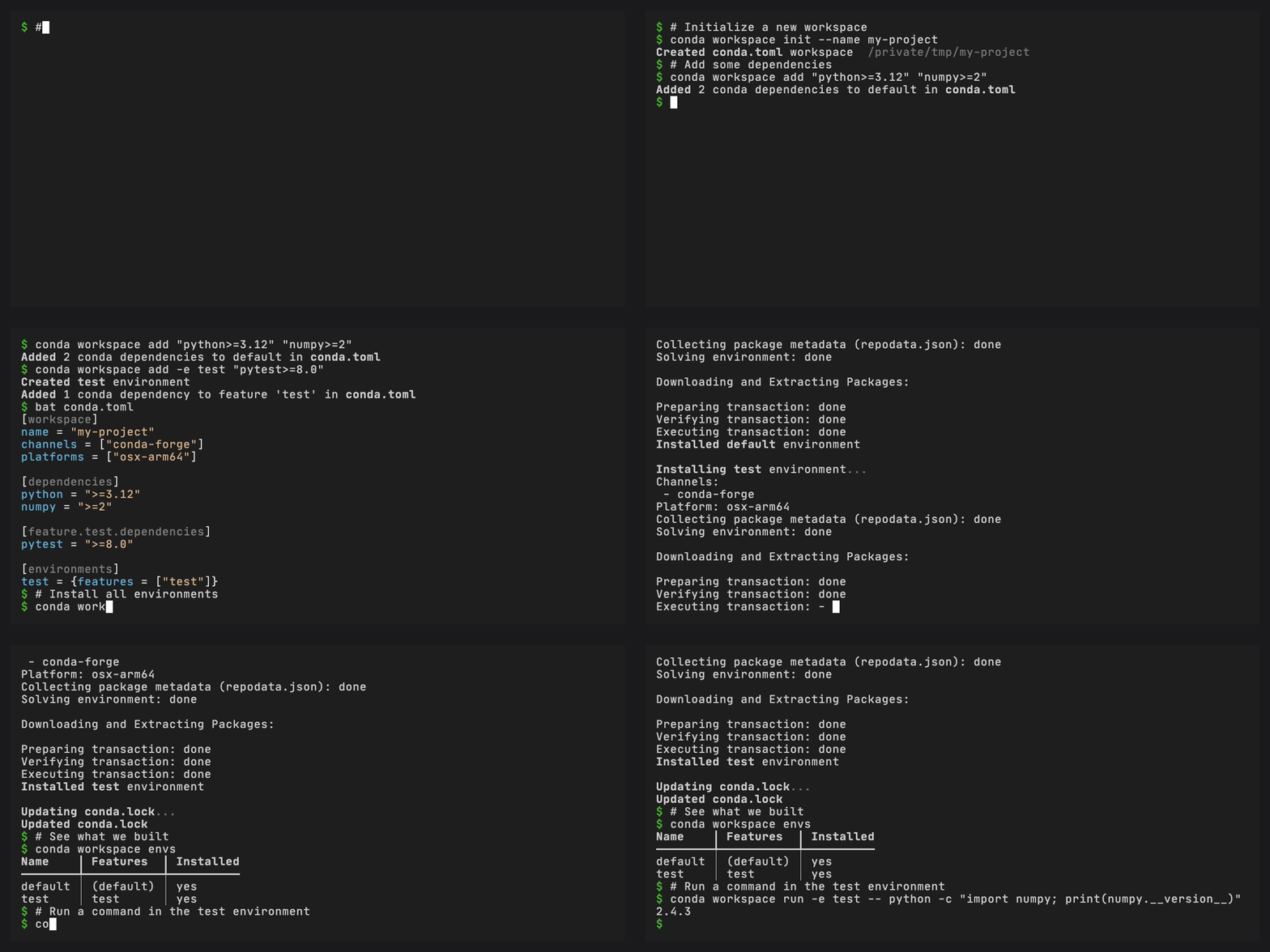
Create a workspace manifest named conda.toml. Its directory is the workspace root:
[workspace]
name = "my-project"
channels = ["conda-forge"]
platforms = ["linux-64", "osx-arm64", "win-64"]

[dependencies]
python = ">=3.10"
numpy = ">=1.24"

[feature.test.dependencies]
pytest = ">=8.0"
ruff = ">=0.9"

[environments]
default = []
test = { features = ["test"] }
Then install and use your environments:
conda workspace install                    # solve + install + generate conda.lock
conda workspace run -e test -- pytest -v   # run a command in an environment
conda workspace shell -e test              # spawn a shell with test env activated
conda workspace install --locked           # reproducible install from conda.lock
conda workspace list                       # list packages in default env
conda workspace envs                       # list defined environments
conda workspace info                       # workspace overview
Define tasks#
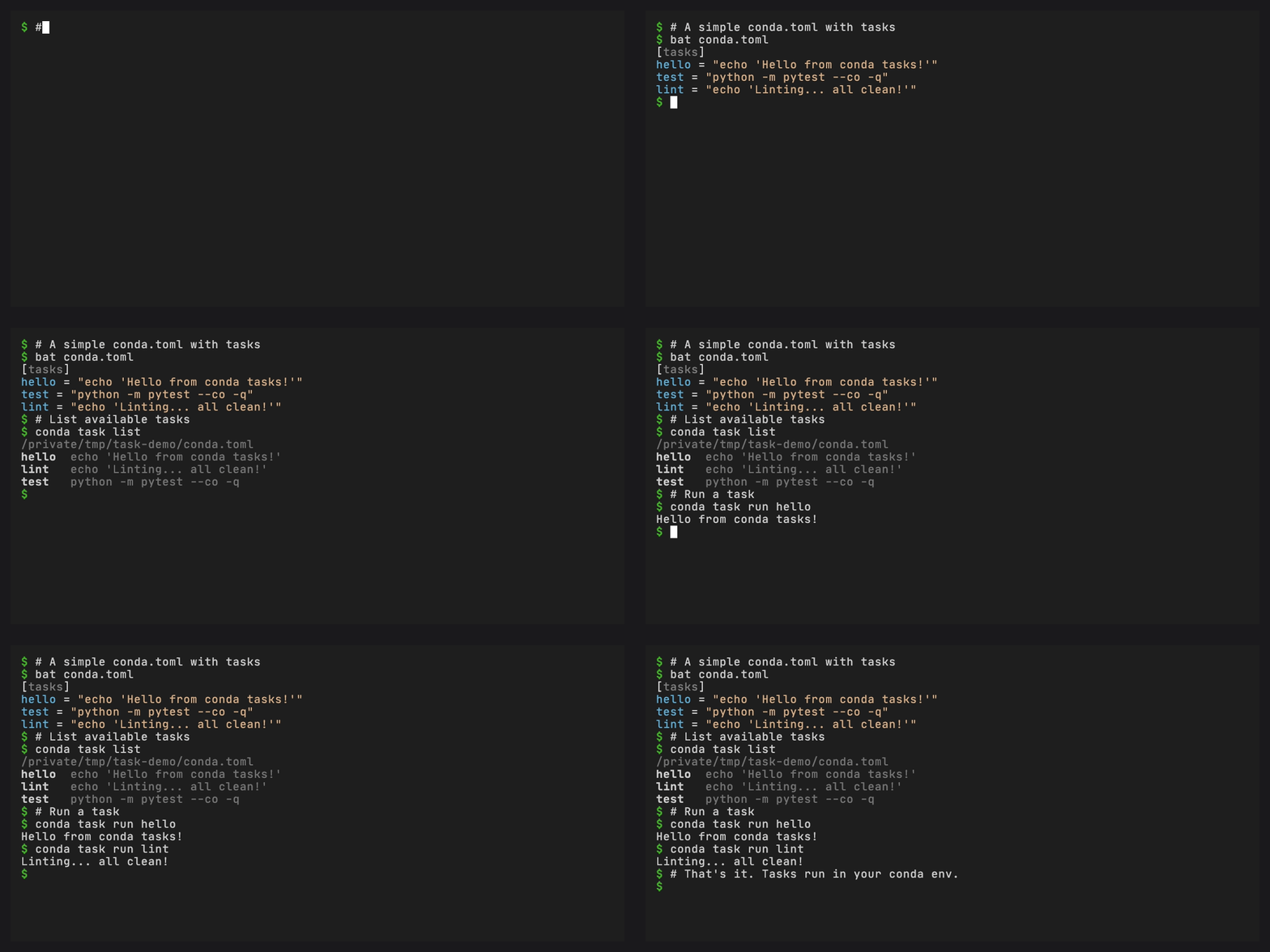
Add tasks to the same manifest:
[tasks]
test = "pytest tests/ -v"
lint = "ruff check ."

[tasks.check]
depends-on = ["test", "lint"]
Then run them:
conda task run -e test check  # resolves dependencies, runs test and lint
conda task list             # shows all available tasks
conda task run -e test test   # runs one task in the test environment
Tasks beside a workspace use its default environment when that prefix is
installed, otherwise they use the current conda environment. Use -e myenv
to require another installed workspace environment. Tasks-only manifests use
the current conda environment.
Why conda-workspaces?#
pixi combines multi-environment workspaces and tasks with its own solver and installation machinery. conda-workspaces reads pixi-compatible workspace manifests and uses conda to solve and install the environments.
Workspaces and tasks read from
conda.toml,pixi.toml, orpyproject.toml, so multiple tools can use one manifestEnvironments are solved by conda’s configured solver backend and installed as regular conda prefixes
Lock files (
conda.lock) capture exact package URLs for reproducible installs without re-solvingSupports task dependencies, caching, Jinja2 templates, and platform overrides
Ships as a conda plugin (
conda workspace/conda ws,conda task) and standalonecw/ctCLIs
Read more in Motivation.
Set up your first workspace and tasks.
Your first workspace, migrating from conda / pixi / anaconda-project / conda-project, CI setup.
Task-oriented guides for integrations and automation.
Overview plus focused pages for tasks, environments, locking, export, archives, and CI usage.
All manifest fields and file formats (conda.toml, pixi.toml,
pyproject.toml).
Complete conda workspace and conda task command-line documentation.
Python API for models, manifests, resolver, context, environments, and task execution.
conda.toml specificationNormative reference for the conda.toml manifest format and JSON
schema.
Reference for the external receipt JSON generated by workspace archives.
Answers to common questions about format compatibility, prior art, and unknown keys.