
Setting up fish completion#
This guide walks through setting up conda tab completion in fish.
Prerequisites#
conda 25.1 or later
fish 3.0 or later
Install conda-completion#
conda install -c conda-forge conda-completion
Activate completion#
Option A: automatic install#
conda completion install
This detects the current shell and writes a generated completion script
to ~/.config/fish/completions/conda.fish. Preview with:
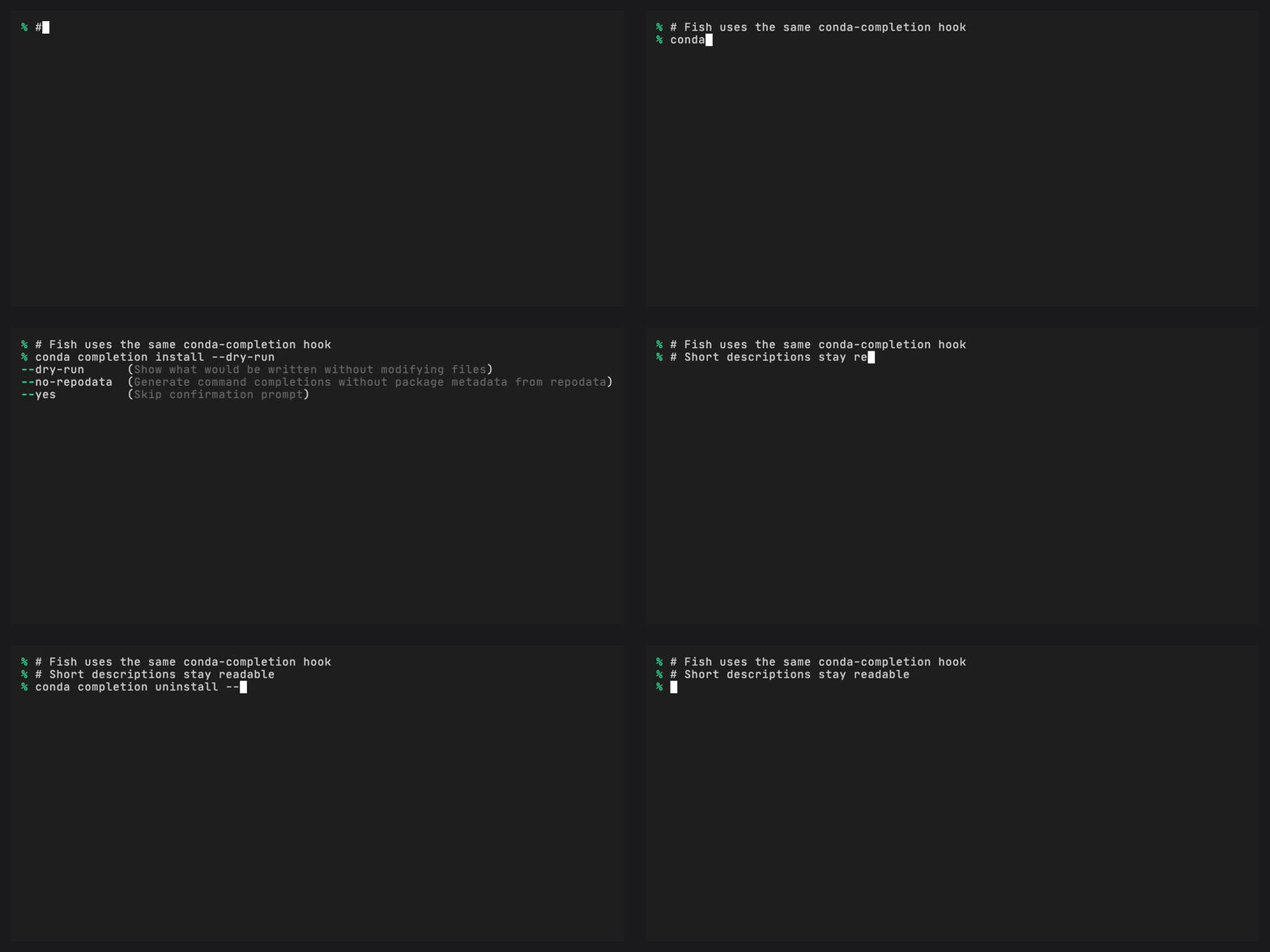
conda completion install --dry-run
Option B: manual setup#
Add this line to ~/.config/fish/config.fish or
~/.config/fish/completions/conda.fish if you prefer dynamic manual
setup:
conda completion init fish | source
Verify#
Open a new fish session and try:
$ conda install --<TAB>
--channel  (Additional channel to search for packages)
--dry-run  (Only display what would have been done)
--name     (Name of environment)
Fish natively supports tab-separated descriptions, so help text appears alongside each candidate.
Replacing fish’s built-in conda completions#
Fish ships a built-in conda.fish completions file based on conda 4.4.
conda-completion replaces it entirely. If you see duplicate or stale
completions, remove the built-in file:
rm (status fish-path)/share/fish/vendor_completions.d/conda.fish
Or, if you installed fish via Homebrew:
rm (brew --prefix)/share/fish/vendor_completions.d/conda.fish
Uninstall#
conda completion uninstall
If conda.fish only contains the generated conda-completion block,
uninstall removes the file.