
Setting up bash completion#
This guide walks through setting up conda tab completion in bash.
Prerequisites#
conda 25.1 or later
bash 4.0 or later. Bash 4.4 or later preserves completion ordering more consistently because it supports
compopt -o nosort.
Install conda-completion#
conda install -c conda-forge conda-completion
Activate completion#
Option A: automatic install#
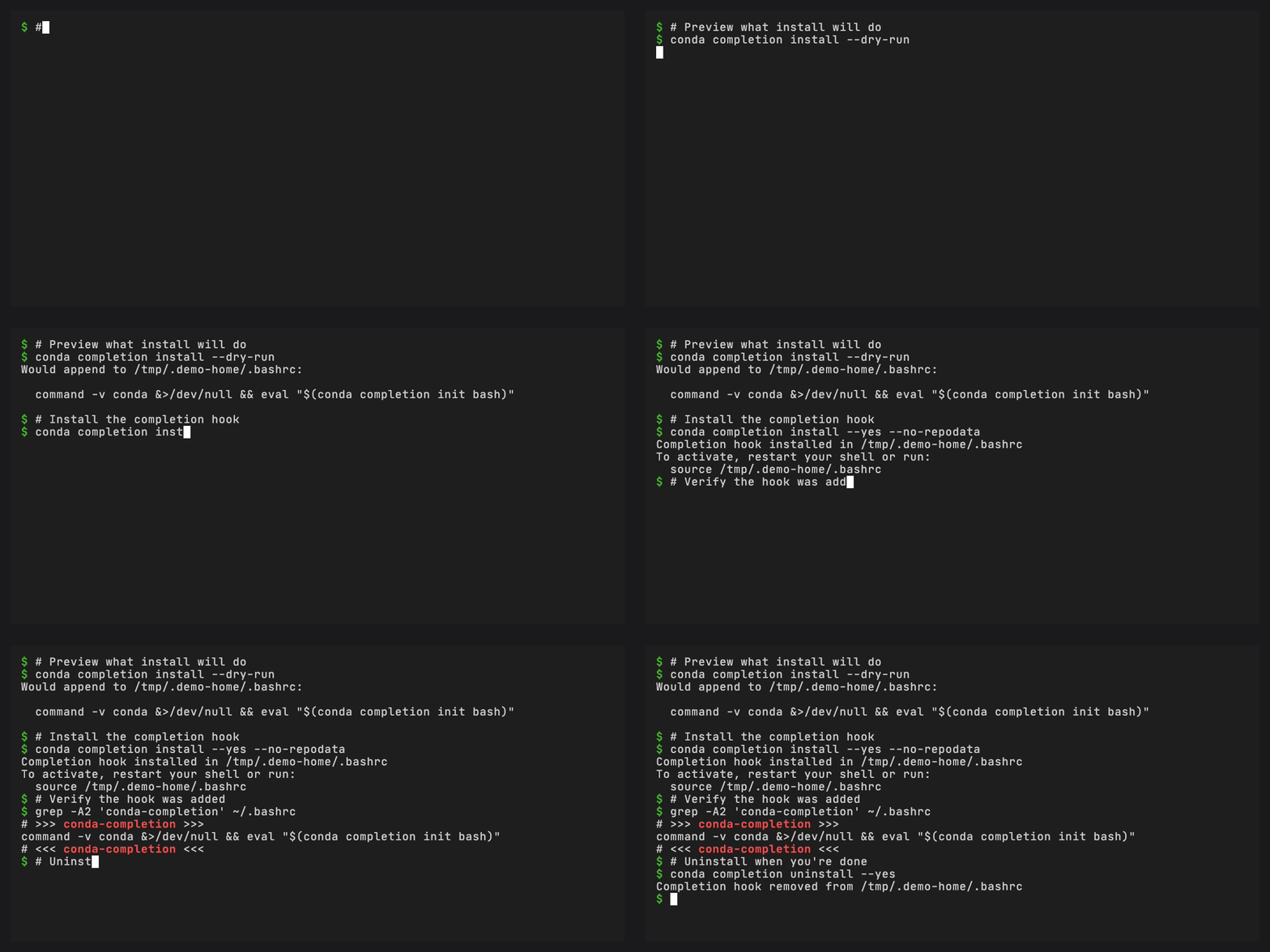
conda completion install
This detects the current shell and adds a delimited block to your
~/.bashrc (or ~/.bash_profile if that exists). Preview with
--dry-run:
conda completion install --dry-run
Option B: manual setup#
Add this line to your ~/.bashrc:
eval "$(conda completion init bash)"
Verify#
Open a new terminal (or run source ~/.bashrc) and try:
$ conda <TAB><TAB>
activate     clean        config       create       ...
install      list         remove       update       ...

$ conda inst<TAB>
$ conda install

$ conda install --<TAB>
--channel     --dry-run     --name        --prefix      ...
How it works in bash#
The generated script defines a _conda_completion function and registers
it via complete -o default -F _conda_completion conda. On each TAB
press, bash calls this function which invokes the Rust binary with:
${COMP_WORDS[@]}(the current command line words)$COMP_CWORD(the index of the word being completed)
The binary returns one candidate per line and bash populates COMPREPLY.
Uninstall#
conda completion uninstall
This removes the delimited block from your RC file, leaving everything else intact.