
Completing plugin subcommands#
This tutorial shows how conda-completion discovers plugin subcommands and adds them to the completion manifest.
How plugins are discovered#
When the completion manifest is generated (during conda completion install or explicitly via conda completion generate),
conda-completion calls conda.cli.conda_argparse.generate_parser(),
which loads all registered plugins and adds their subcommands to the
argparse tree. The introspection code then walks the entire tree,
including plugin subcommands.
Plugins that register via the conda_subcommands hook are included when the manifest is generated. No conda-completion-specific configuration is required.
Example: conda-workspaces#
After installing conda-workspaces:
conda install -c conda-forge conda-workspaces
The completion manifest is regenerated by the post-command hook because a new conda plugin entry point was added. You can then complete workspace subcommands:
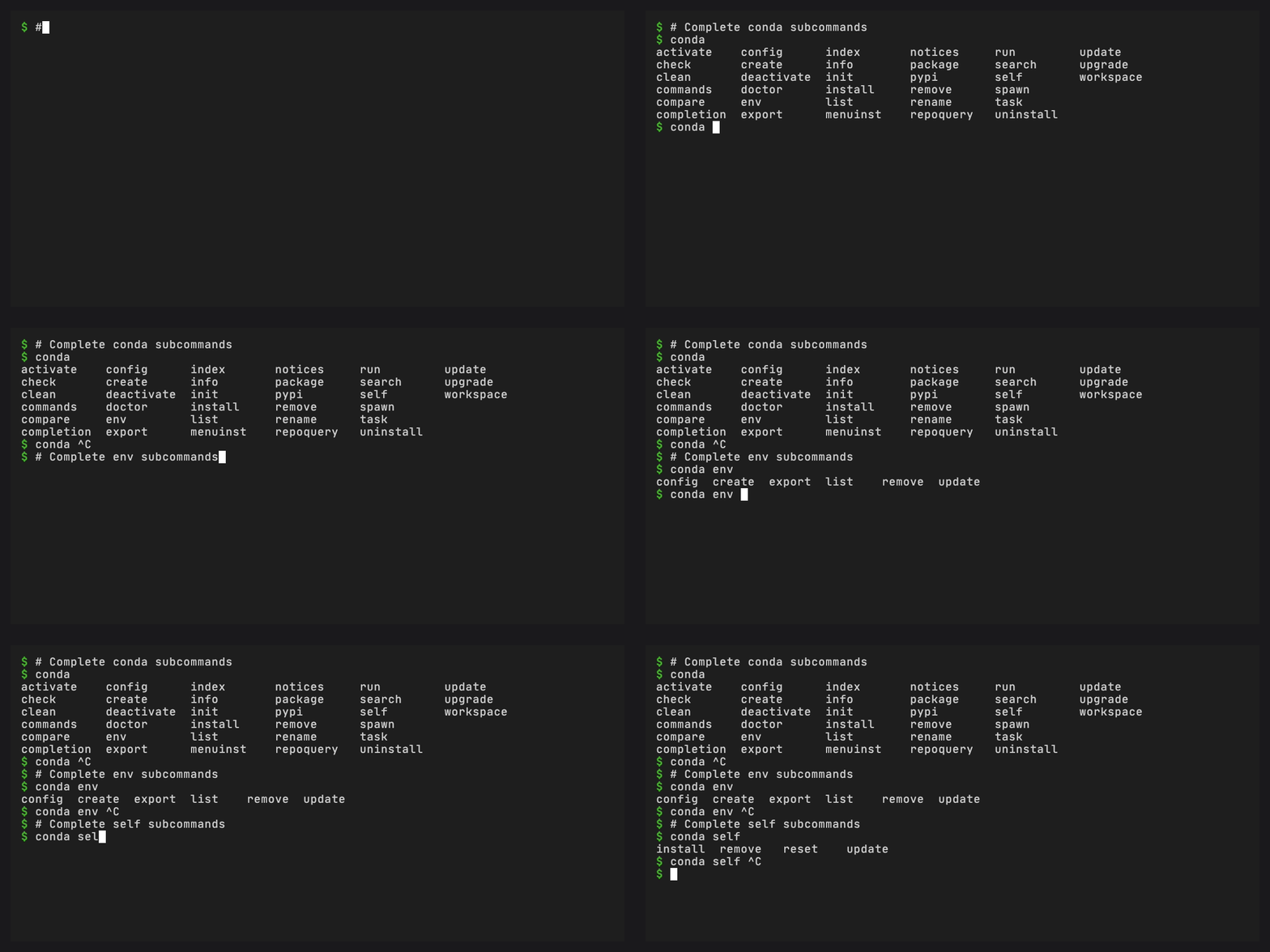
$ conda workspace <TAB>
activate  add  archive  clean  envs  export  import  info  init
install   list  lock  quickstart  remove  run  shell  unarchive

$ conda workspace install --<TAB>
--environment  -- Target environment
--force        -- Force install
--dry-run      -- Only display what would have been done

$ conda task <TAB>
add  export  list  remove  run
Example: conda-global#
With conda-global installed:
$ conda global <TAB>
add  edit  ensurepath  expose  hide  install  list  migrate
pin  remove  run  sync  tree  uninstall  unpin  update

$ conda global install --<TAB>
--channel  -- Additional channel to search
--force    -- Force reinstall
Contextual completions from project files#
When you are in a directory with a conda.toml, environment names
and task names from that file are completed dynamically. conda.toml
is the workspace manifest used by
conda-workspaces,
not a formal conda standard.
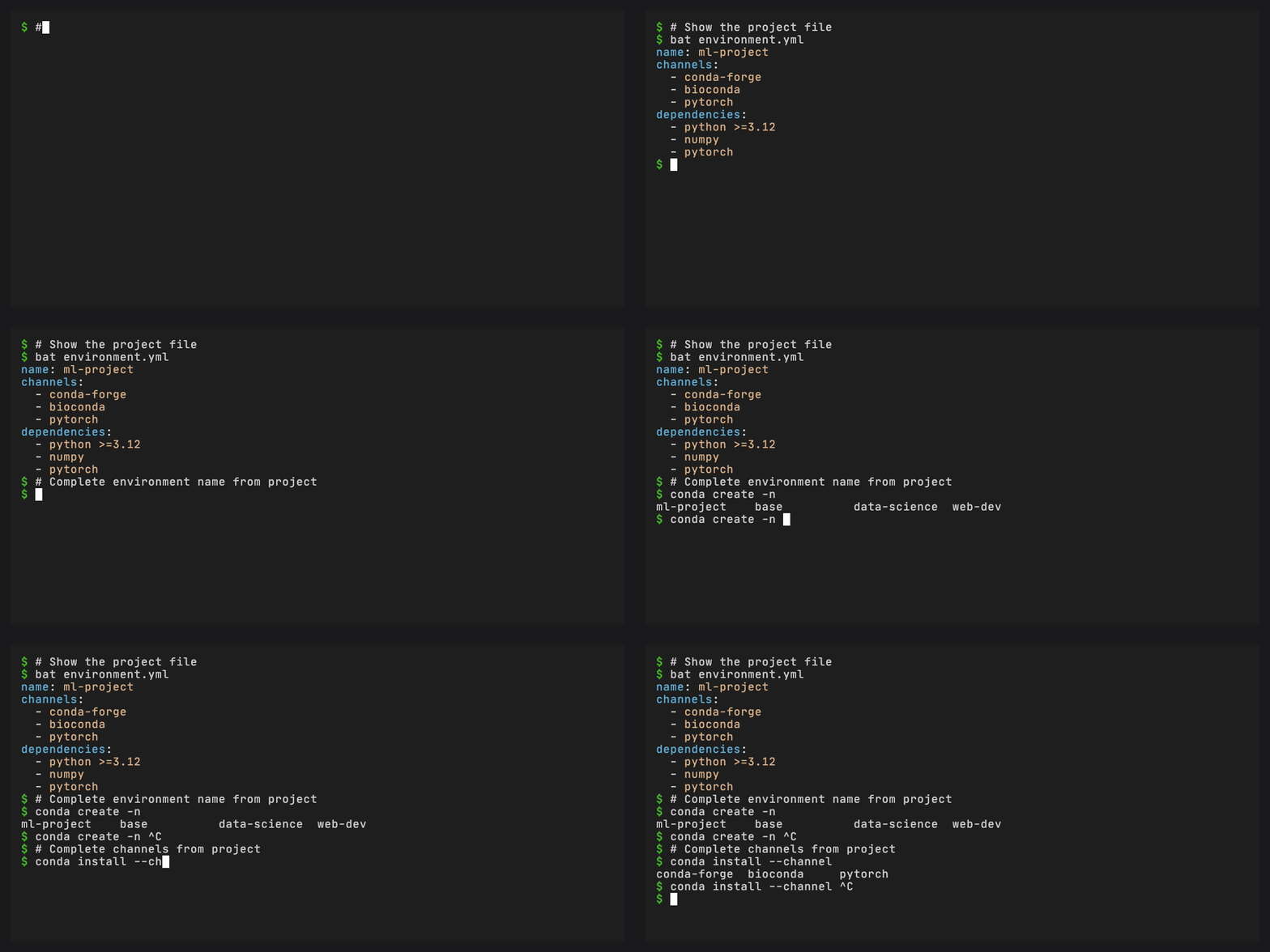
$ cat conda.toml
[environments]
dev = {}
ci = {}

[tasks]
test = "pytest"
lint = "ruff check"

$ conda workspace install -e <TAB>
dev  ci

$ conda task run <TAB>
test  lint
What happens when you install or remove a plugin#
The conda_post_commands hook runs after conda install, conda remove,
and conda update. It hashes the set of registered plugin entry point
names and compares against the hash stored in the manifest. If they
differ, the manifest is regenerated automatically.
This covers:
conda install conda-workspacesconda remove conda-workspacesconda self install conda-global(if conda-self is installed)
For plugins installed outside conda’s package manager, run
conda completion generate manually.
If an existing plugin changes its argparse metadata without changing its
conda entry point name, run conda completion generate after updating it.