
Quick start#
This guide walks you through protecting your base environment and managing plugins with conda-self.
Prerequisites#
conda 26.1.1 or later
conda-self installed in base (
conda install -n base conda-self)
Protect your base environment#
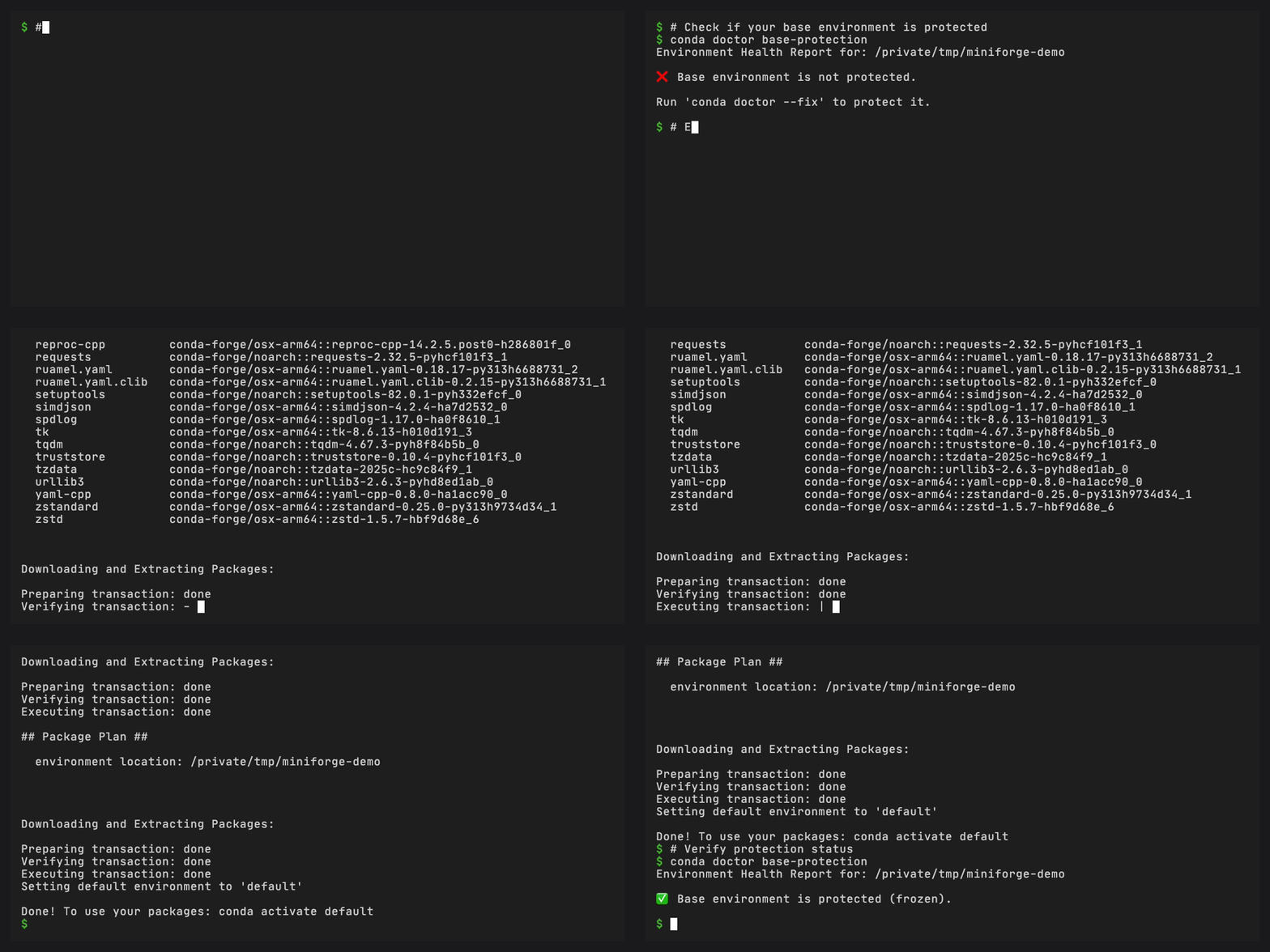
Using conda doctor, check whether base is currently protected:
conda doctor base-protection
If it is not, enable protection:
conda doctor base-protection --fix
This does three things:
Clones your current base environment to a new
defaultenvironmentResets base to conda, its plugins, their dependencies, and any installer-provided packages
Freezes base so regular conda install cannot modify it
Tip
You only need to run this once. After protection, use conda self
commands to manage plugins in base.
Install a plugin#
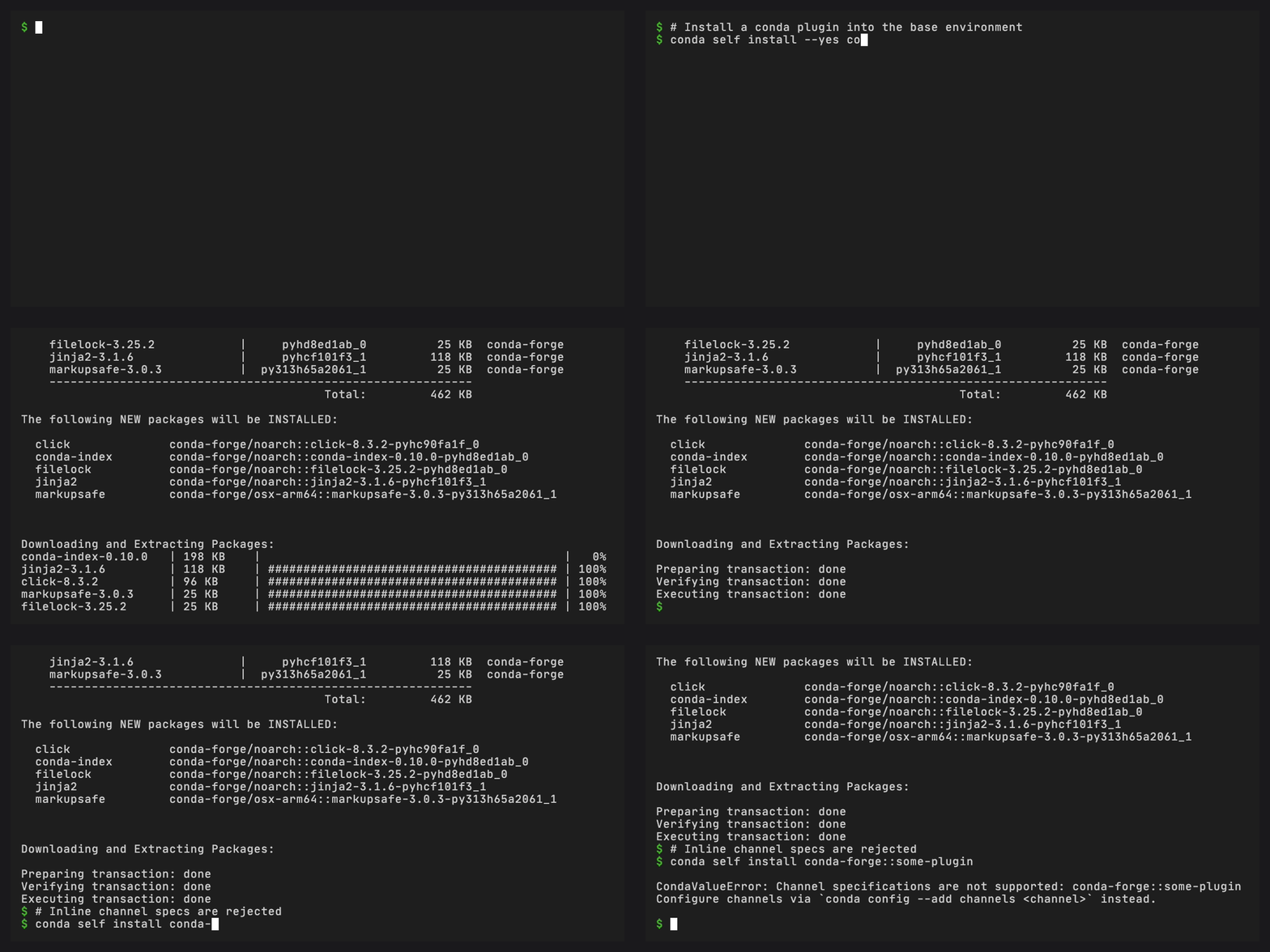
conda self install conda-index
conda-self installs the package via subprocess, validates that it registers as a conda plugin (via entry points), and rolls back if it does not.
Update plugins#
conda self update
This updates conda itself and all installed plugins to their latest compatible versions.
Remove a plugin#
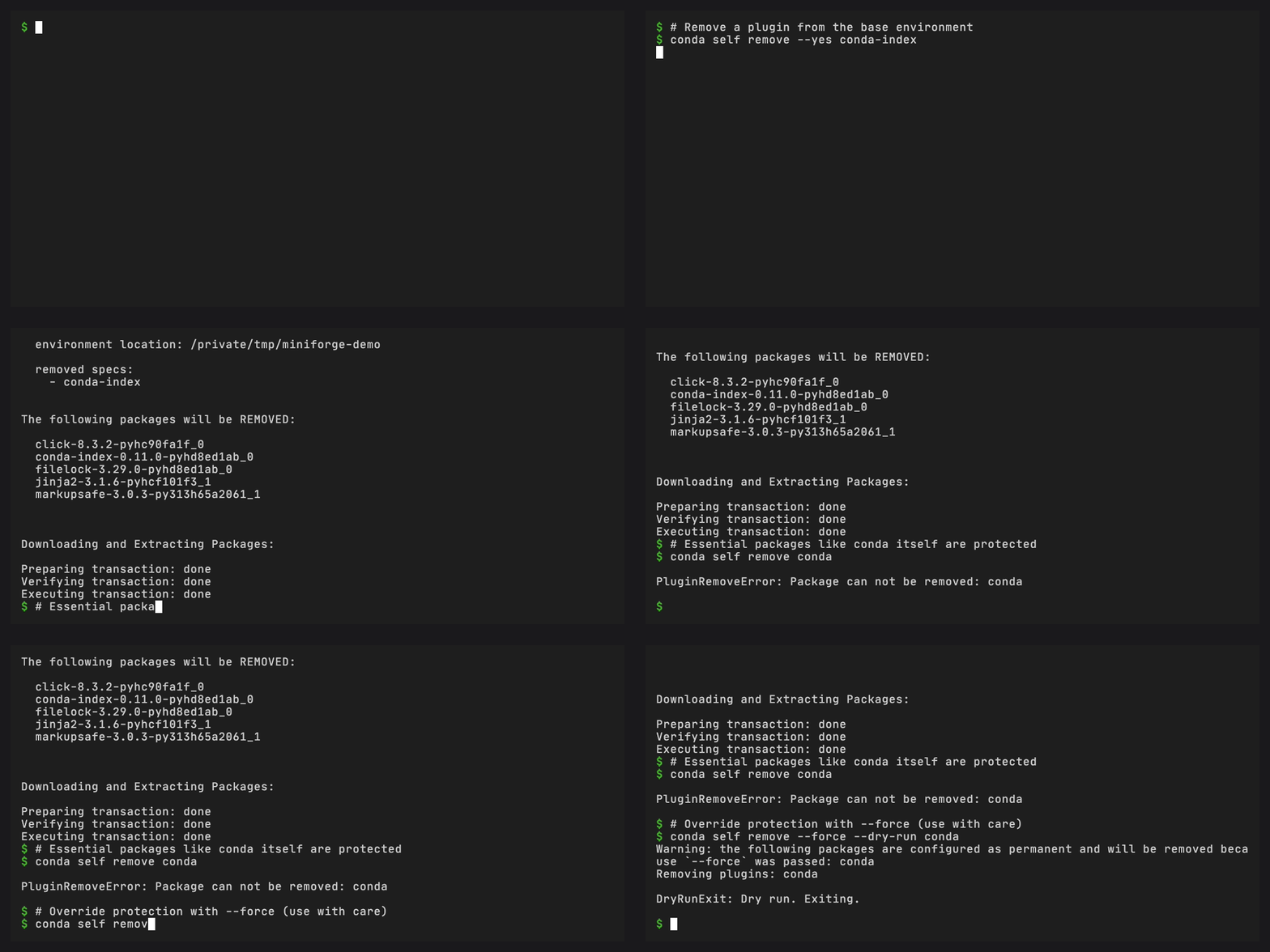
conda self remove conda-index
Essential packages (conda itself, its core dependencies) cannot be removed.
Reset base#
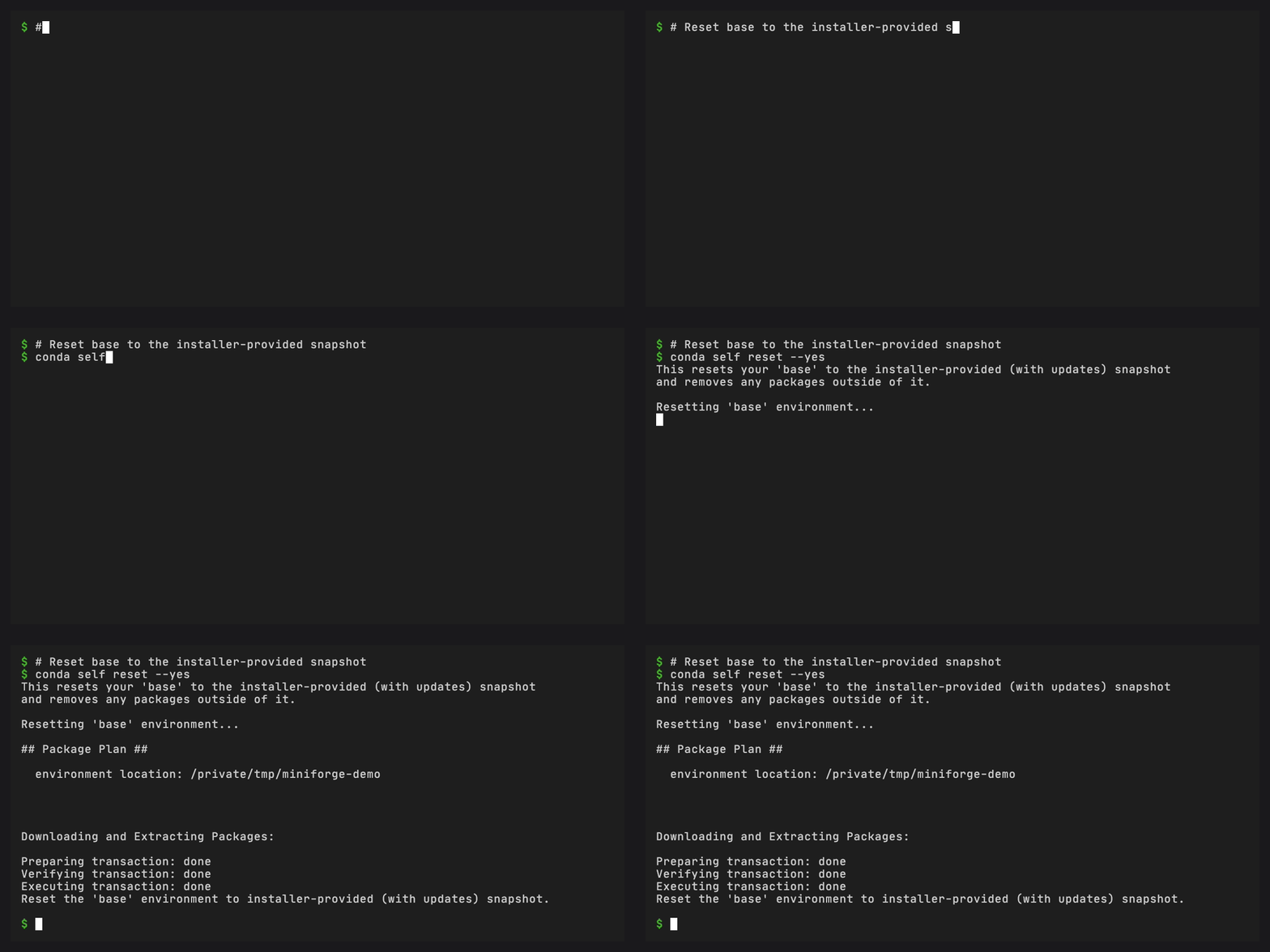
If something goes wrong, reset base to essentials:
conda self reset
Next steps#
Protecting your base environment – A deeper walkthrough of base protection and what happens under the hood
Managing plugins – Install, update, and remove plugins with confidence
Features – How base protection, snapshots, and plugin validation work
CLI reference – Every command and flag