
Features#
An overview of what conda-self provides and how the pieces fit together.
Base environment protection#
The base environment is special – it contains conda itself and is always activated. Installing arbitrary packages into base risks breaking conda. conda-self provides a health check that protects base:
conda doctor base-protection --fix
This:
Clones the current base to a
defaultenvironment, preserving all your packages for continued useSaves a snapshot of base in
@EXPLICITformat toconda-meta/base-protection-state.explicit.txtResets base to conda, its plugins, their dependencies, and any installer-provided packages (e.g.
mambain Miniforge)Freezes base by writing a
PREFIX_FROZEN_FILE, preventing regular conda install from modifying it
After protection, only conda self commands can modify base.
Checking protection status#
conda doctor base-protection
This reports whether base is currently protected (frozen) and whether a snapshot exists.
Plugin management#
conda-self provides three commands for managing plugins in a protected base environment:
Install#
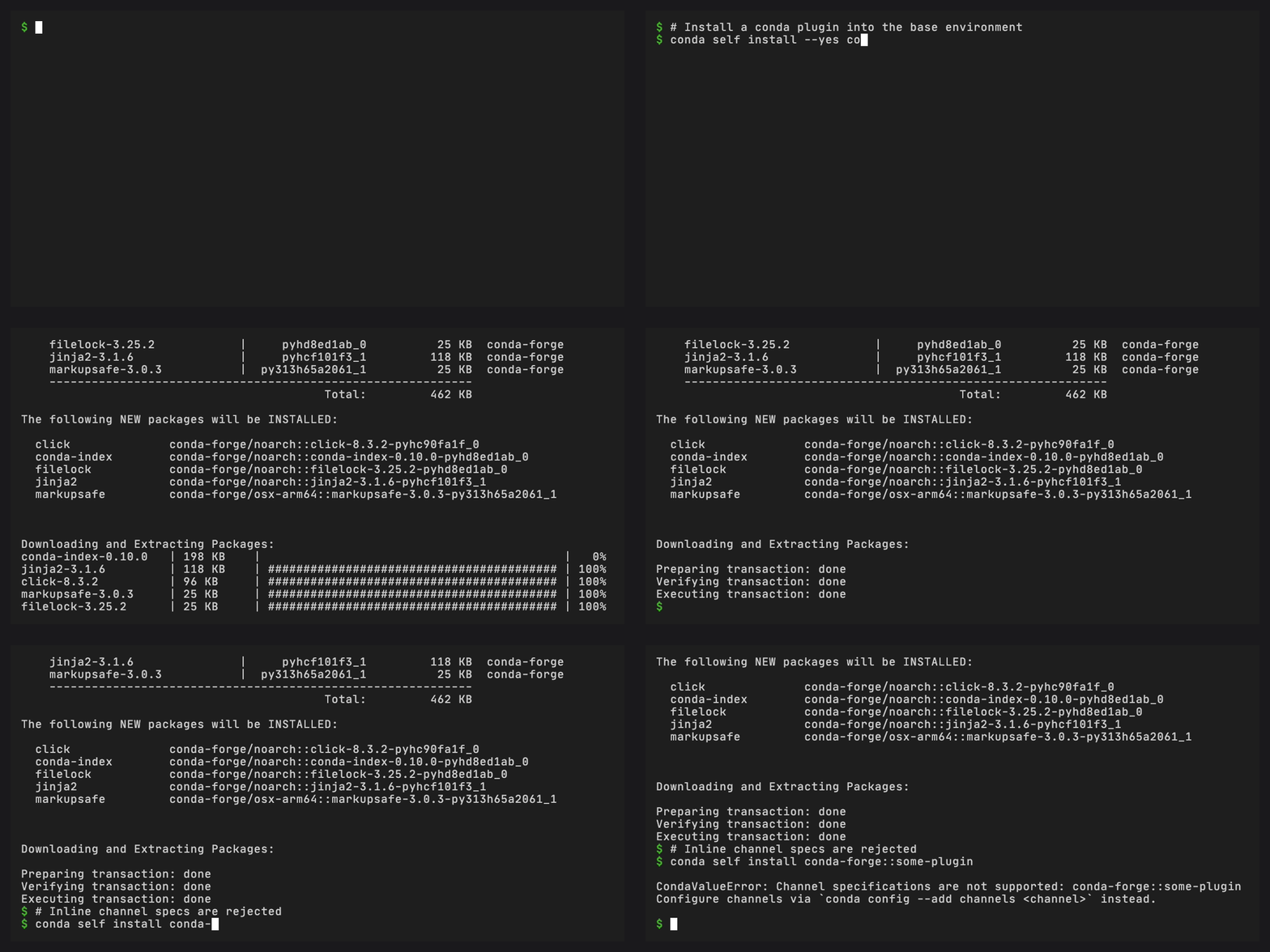
conda self install conda-index
The install command:
Runs
conda installas a subprocess with--override-frozenAfter installation, scans
importlib.metadataentry points for thecondagroupIf the installed package is not a valid conda plugin, uninstalls it and raises an error
This prevents non-plugin packages from accumulating in base.
Update#
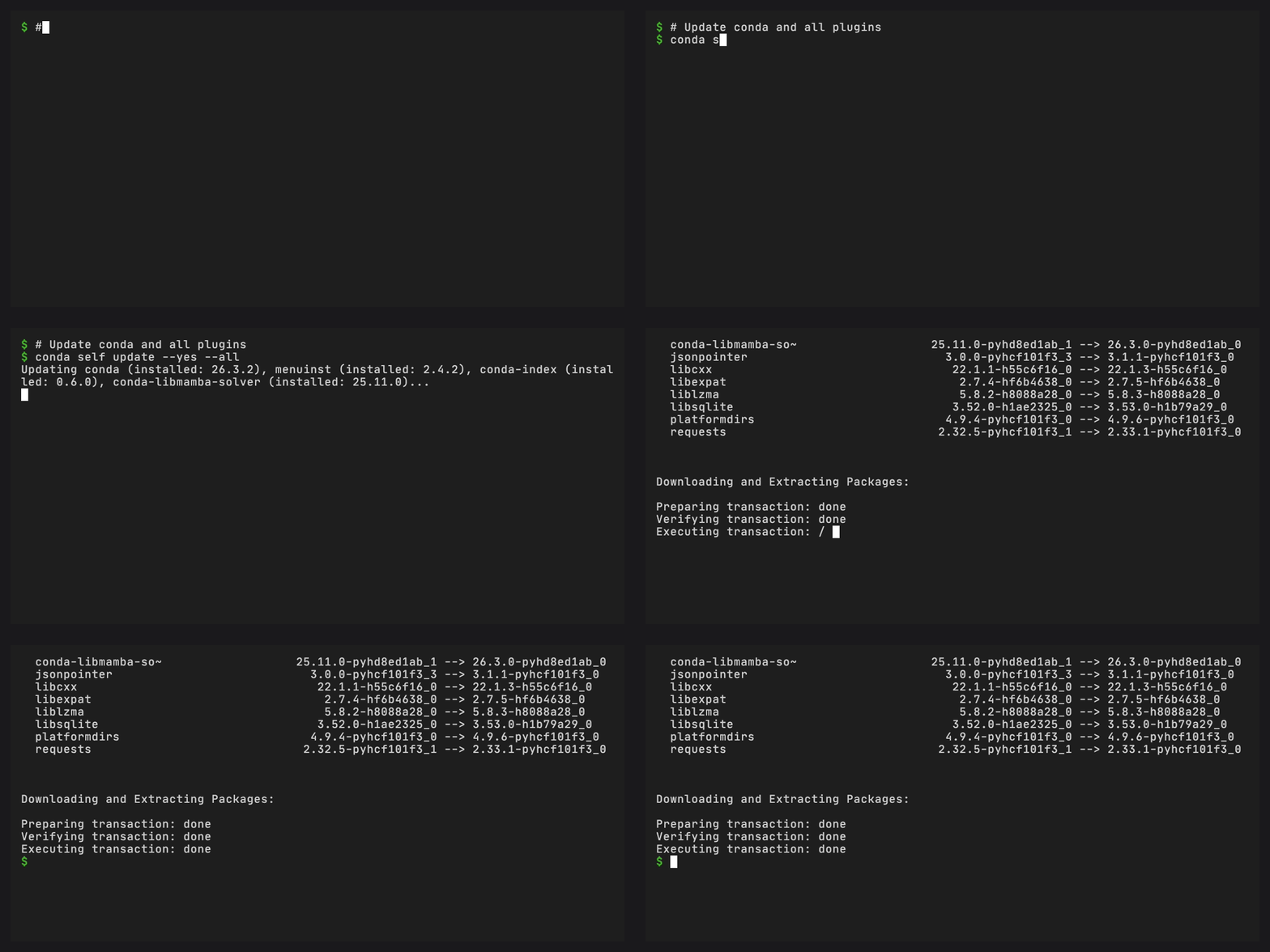
conda self update                    # update all
conda self update conda              # update specific packages
conda self update --force-reinstall  # force reinstall all
The update command passes package names to conda install --update-specs
and lets the solver find the latest compatible versions. No manual
version pinning or repodata queries.
Remove#
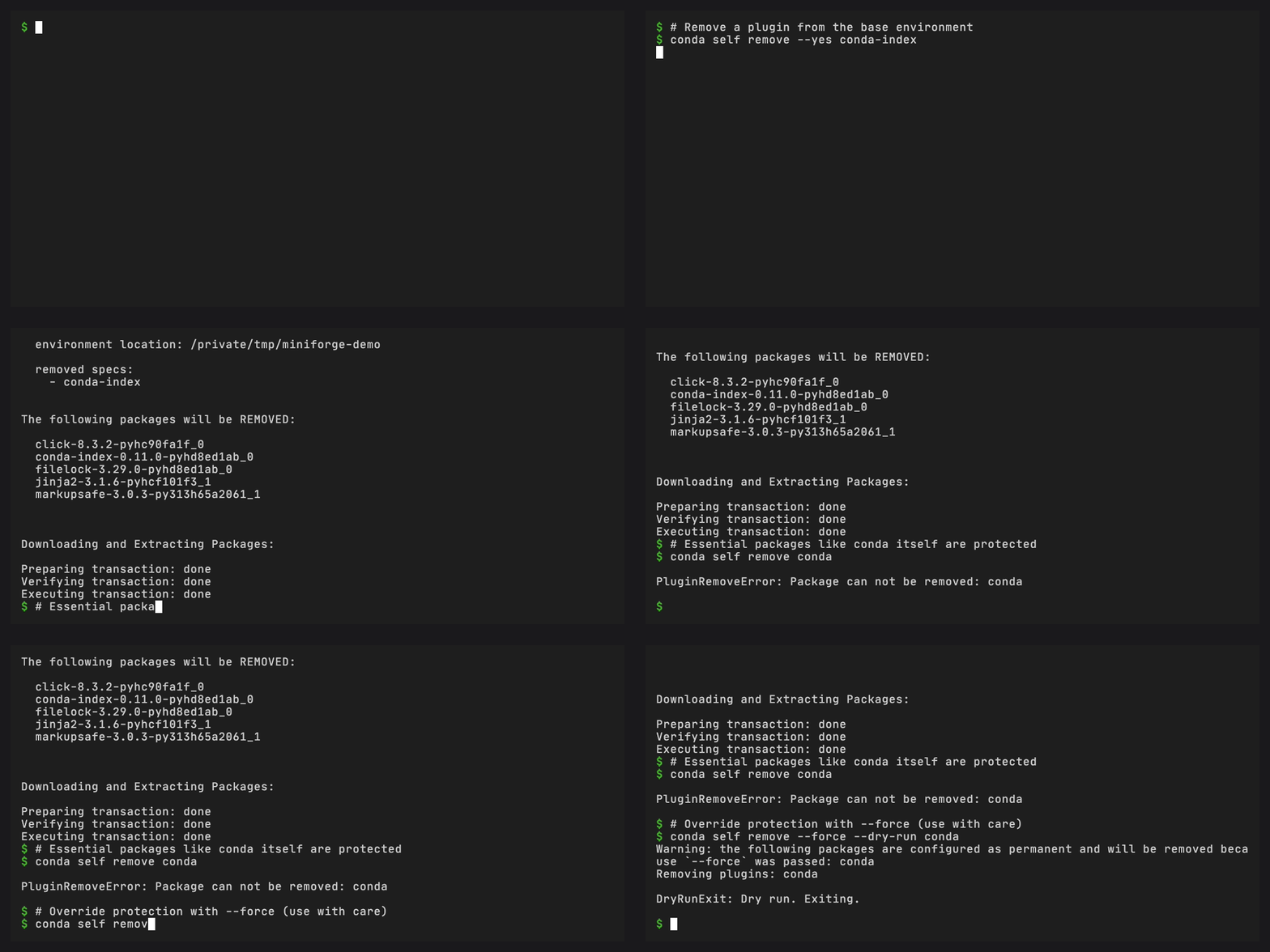
conda self remove conda-index
Essential packages (conda itself, its core dependencies, and packages
listed in self_permanent_packages) cannot be removed.
Snapshots and reset#
When base protection is enabled, conda-self saves a snapshot of the pre-protection state. This snapshot can be used to restore base:
conda self reset                         # auto-detect best snapshot
conda self reset --snapshot installer    # reset to installer state
conda self reset --snapshot base-protection  # reset to protection snapshot
conda self reset --snapshot current      # strip to essentials only
Snapshots are stored as @EXPLICIT files in conda-meta/:
base-protection-state.explicit.txt– saved byconda doctor --fixinstaller-state.explicit.txt– saved by the installer (if available)
Health check integration#
conda-self registers a base-protection health check with conda’s
conda doctor system:
conda doctor --list              # see all health checks
conda doctor base-protection     # check protection status
conda doctor base-protection --fix  # enable protection
This uses conda’s conda_health_checks plugin hook, so the health
check appears alongside any other registered checks.
Plugin validation#
When installing packages, conda-self validates that they are actual
conda plugins by checking importlib.metadata.entry_points(group="conda").
Package names are normalized (hyphens vs underscores) to handle
differences between conda naming conventions and Python packaging
metadata.
If a package is not a plugin, it is automatically uninstalled and
a SpecsAreNotPlugins error is raised.
Permanent packages#
The self_permanent_packages setting allows configuring a list of
packages that should never be removed by conda self remove or
stripped during conda self reset. This is useful for packages that
are essential to your workflow but are not conda plugins.
Configure it in the .condarc configuration file:
self_permanent_packages:
  - pip
  - setuptools