
Quickstart#
Installation#
conda install -c conda-forge conda-exec
Install conda-pypi as well if you want scripts with top-level PEP 723
dependencies from PyPI, and conda-lockfiles if you want script lock
support.
Basic usage#
Run a command from a conda package without installing it into your current environment:
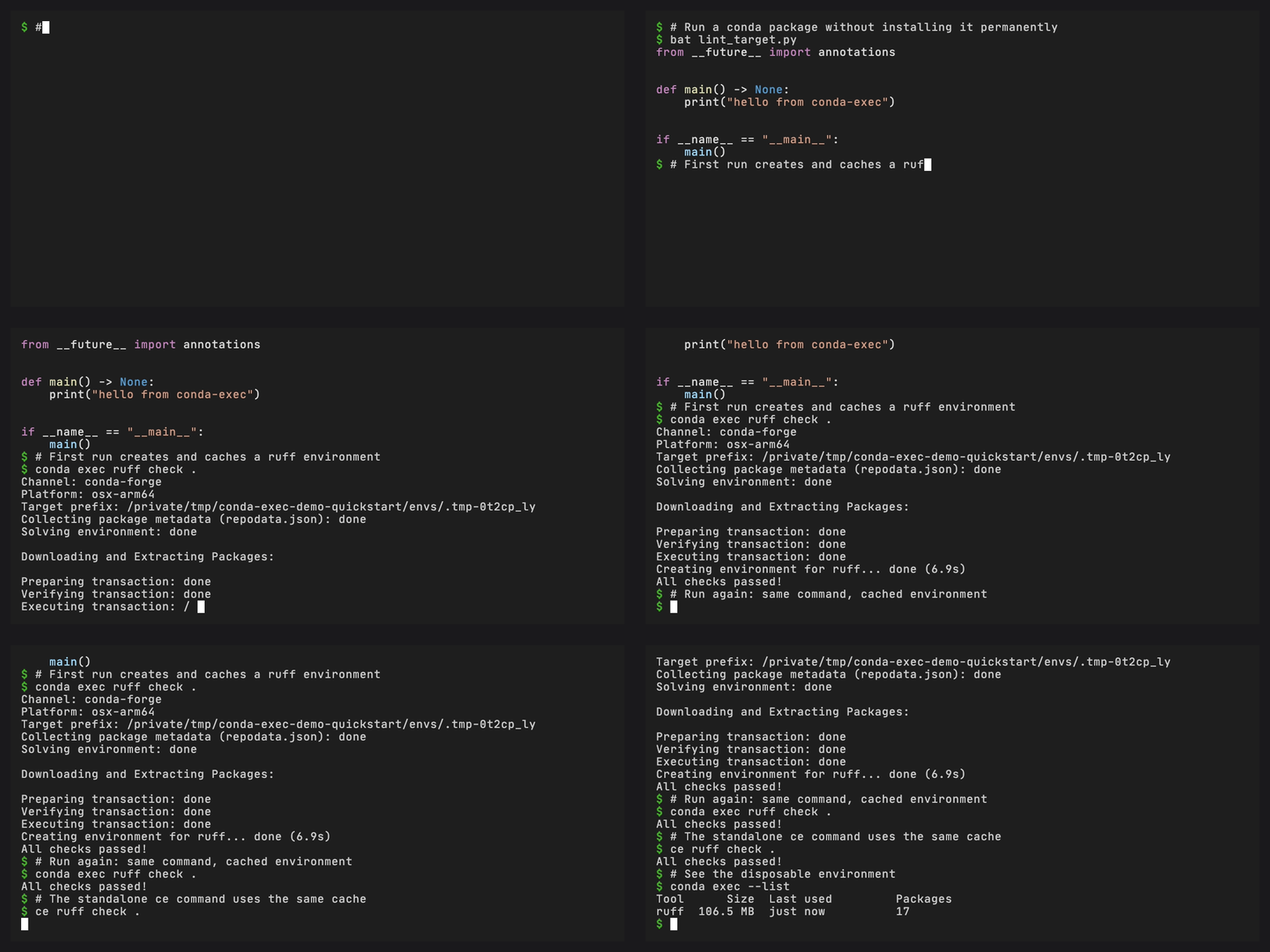
conda exec ruff check .
ce ruff check .
The first invocation creates a cached environment. Later runs reuse that environment and skip the solve/download step.
For more command-line patterns, see Run command-line tools.
Version constraints#
Pin a specific version using a match spec as the tool argument:
conda exec "ruff>=0.4,<0.5" check .
The binary name is extracted from the match spec automatically.
Extra packages#
Add additional packages to the ephemeral environment:
conda exec --with pytest ruff check .
conda exec --with "python=3.12" jupyter lab
Custom channels#
Use packages from other channels:
conda exec -c bioconda samtools view file.bam
Run scripts#
Run a Python script that declares its dependencies inline using PEP 723 metadata:
# /// script
# requires-python = ">=3.12"
# dependencies = ["requests", "rich"]
#
# [tool.conda]
# channels = ["conda-forge", "bioconda"]
# dependencies = ["samtools>=1.19"]
# ///

import requests
from rich import print
print("Hello from conda exec!")
conda exec script.py
conda-exec parses the inline metadata, creates a cached environment with all declared dependencies (both conda and PyPI), and runs the script.
Note
Scripts with PyPI dependencies require conda-pypi to be installed. Conda-only scripts (using only [tool.conda] dependencies) work without it.
Scripts without metadata run directly with the current Python.
Lock script environments#
Generate lock data when a script should be repeatable across machines or after cache cleanup:
conda exec --lock script.py
This writes sidecar lock data next to the script. Future normal runs use the lock data when it matches the script’s dependency metadata.
For the step-by-step workflow, see Share a locked script.